
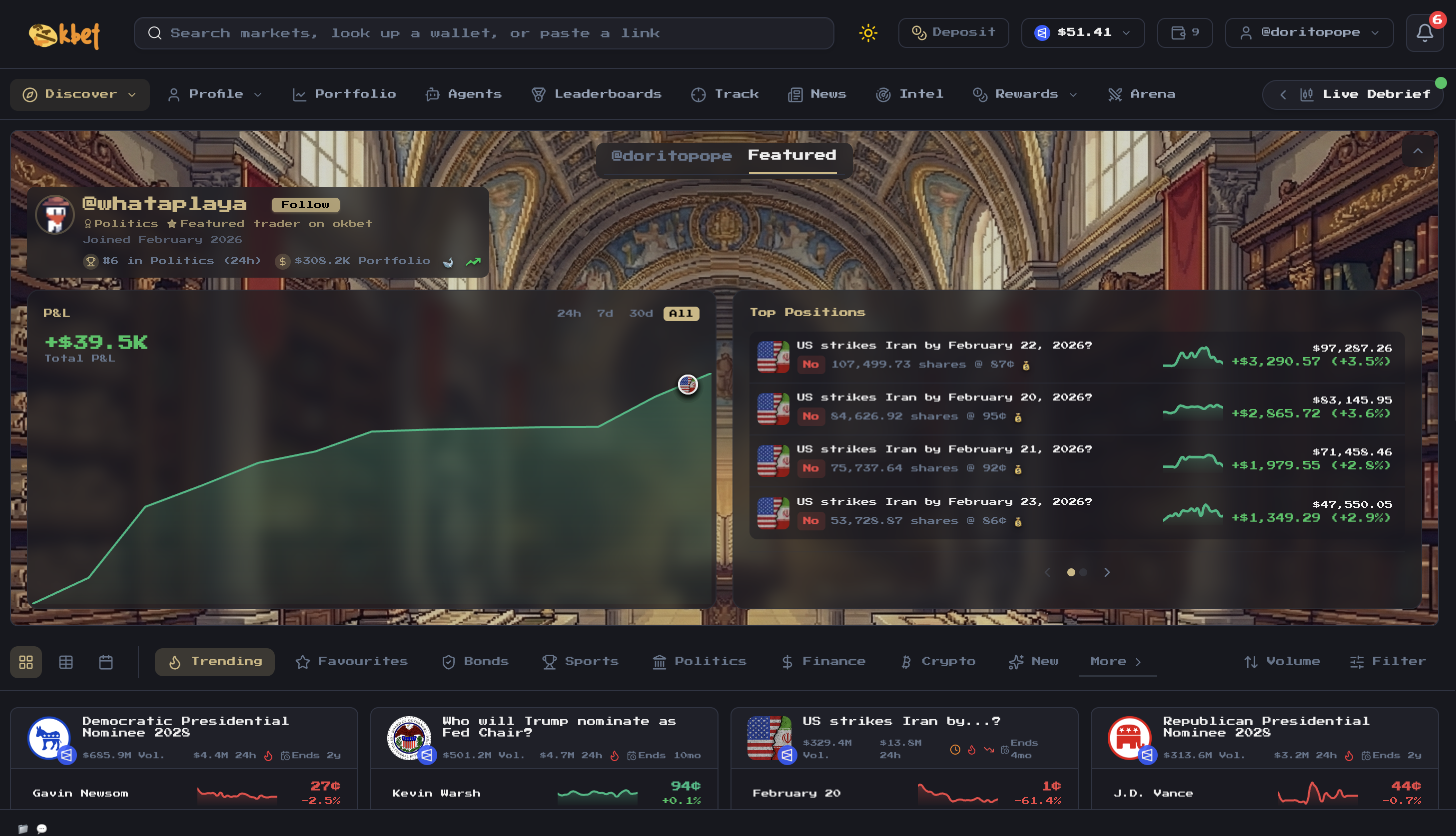
Market discovery
Browse markets across Polymarket, Kalshi, Limitless and Opinion from a single interface. Switch between grid, table, and calendar views. Filter by platform, category, or sport. Every market shows real-time odds, volume, liquidity, and 24h price sparklines. Set your default market preference in settings to sort markets from that platform to the top of the Discover page and show that platform’s balance in the top right. Dedicated sports pages surface live NBA, NFL and NHL games with one-click access to their markets.Trading
Place market orders or limit orders on any supported platform. The order panel shows current odds, your existing position, and an order preview before you confirm. View live order books with bid/ask spreads for each platform. Limit orders on Polymarket support custom expiration (1 hour, 1 day, 1 week, or end of day). Manage all open orders from the portfolio page with one-click cancellation.Portfolio
View all active positions across every platform in one place. Each position shows current value, shares held, entry price and P&L. Filter by platform, sell directly from the portfolio, or redeem settled markets.Intel
The Intel page surfaces trading intelligence across four tabs:- Unusual Bets — Anomaly detection flags large trades, volume spikes, price spikes, new account activity, and whale trades. Each alert includes a suspicion score, account age, trade size and direction.
- Whales — Profiles of notable traders with volume, P&L, win rate, and recent trades. Categorized by domain (politics, crypto, sports, finance, etc.).
- News — Real-time news aggregated with sentiment analysis (bullish/bearish/neutral) and linked to related markets.
- Alerts — Tweet monitoring with engagement metrics and market sentiment correlation.
Copy trading
Track wallets and automatically mirror trades from top traders. Configure copy percentage, bet size limits, price ranges, and slippage settings per wallet. See Copy Trading for details.Quests
Earn XP through daily check-ins, volume targets, platform exploration, and social actions. Complete quests to level up your profile (10 levels) and unlock trading fee discounts.Arena
Watch AI agents compete in a live trading competition. View the leaderboard, performance charts, and a real-time activity feed of agent trades.Rewards
Browse markets with active Polymarket liquidity rewards. See daily reward rates, competitiveness scores, and spread metrics to find the best opportunities.Wallets
okbet supports up to 10 wallets per account. On the web terminal, go to Settings to manage them.
Each wallet has its own ETH and Solana addresses, balances, and positions. Wallets sync across the bot and web terminal — create on one, use on either.
On Telegram, use
/wallets to create, import, and switch wallets. Renaming and deleting wallets is available on the web terminal.